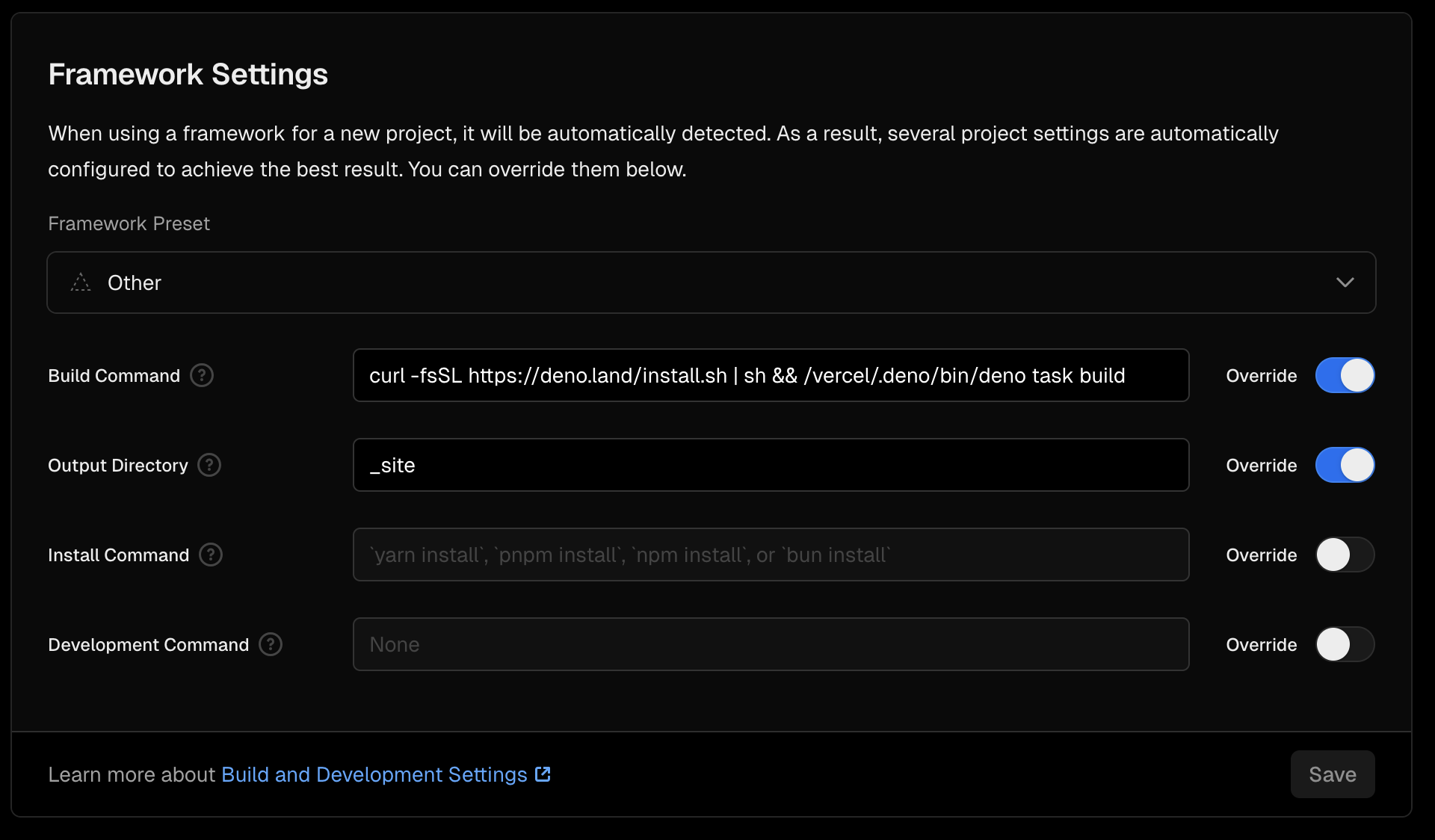
Vercel’s build image is aimed at Node workflows, so Deno is not on PATH by default. Install it once at the start of the build, then run whatever you have in deno.json (for example deno task build for Lume or other static pipelines).
build.sh at the repo root#!/bin/sh
set -eu
export DENO_INSTALL="${DENO_INSTALL:-$HOME/.deno}"
curl -fsSL https://deno.land/install.sh | sh
"$DENO_INSTALL/bin/deno" task build
On Vercel, HOME is usually /vercel, so this ends up as /vercel/.deno same idea as hard-coding that path, but it still works if the environment changes.
Make it executable if you want to call it as ./build.sh:
chmod +x build.sh
In Project → Settings → Build and Deployment:
sh build.sh (or ./build.sh if executable)._site; for something else, check your config). This only matters for static output; serverless or SSR setups follow their own rules.
If builds are flaky on network, pin a Deno version in the install step (Deno manual: installing specific versions) instead of relying on the default latest from install.sh.